Can SharpFleet Job Management be used without Fleet?
Yes. Job Management can be used as its own product for job management, quotes, scheduling, customer portal and billing review. Fleet can be enabled separately when vehicle records are also needed.
SharpFleet is a connected operations platform for businesses that manage Jobs, Fleet, or both.
It connects quotes, configurable service and production workflows, customer approvals, subcontractors, field work, vehicles, deliveries, billing review, reporting, and optional GPS where enabled.
This page explains how SharpFleet Job Management helps businesses manage job requests, scheduling, field updates, customer records, billing review, and reporting.
SharpFleet Job Management is built for businesses that need more than a basic task list. It keeps the customer, site, job request, schedule, technician, photos, notes, billing review and reporting connected to the same operational record.
That matters when work starts as an email, becomes a quote, gets scheduled, changes in the field, and later needs to be billed or reported on without rebuilding the story from separate systems.
These previews use generic job numbers and anonymised data only, so customer names, staff names, addresses, private files and real account details are not shown.
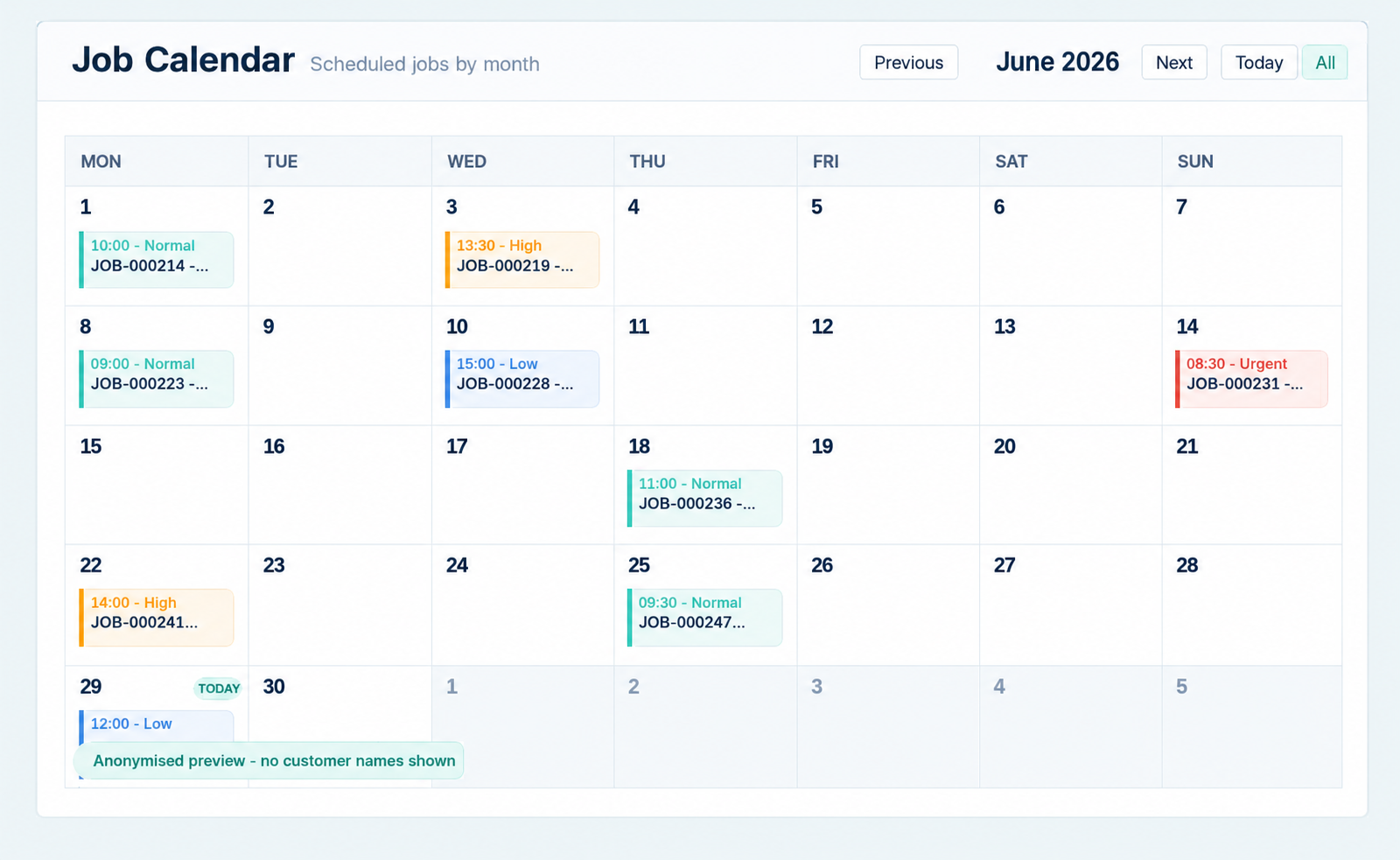
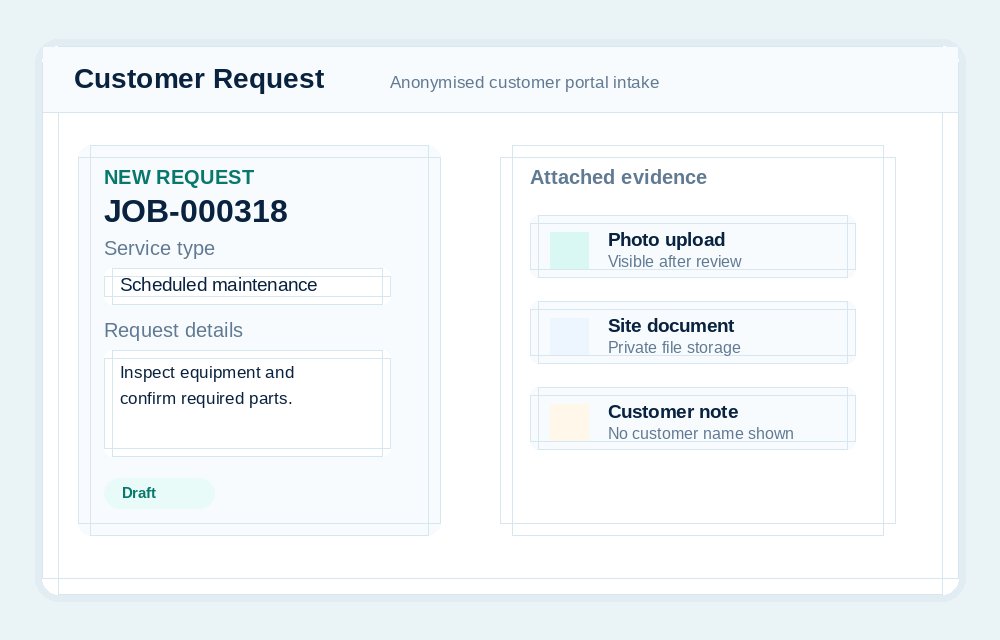
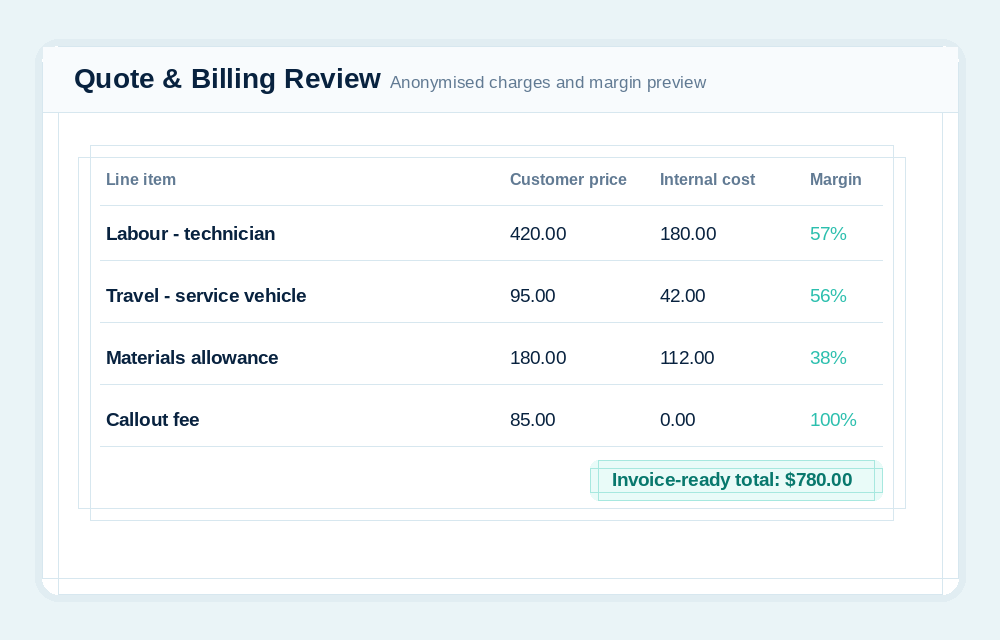
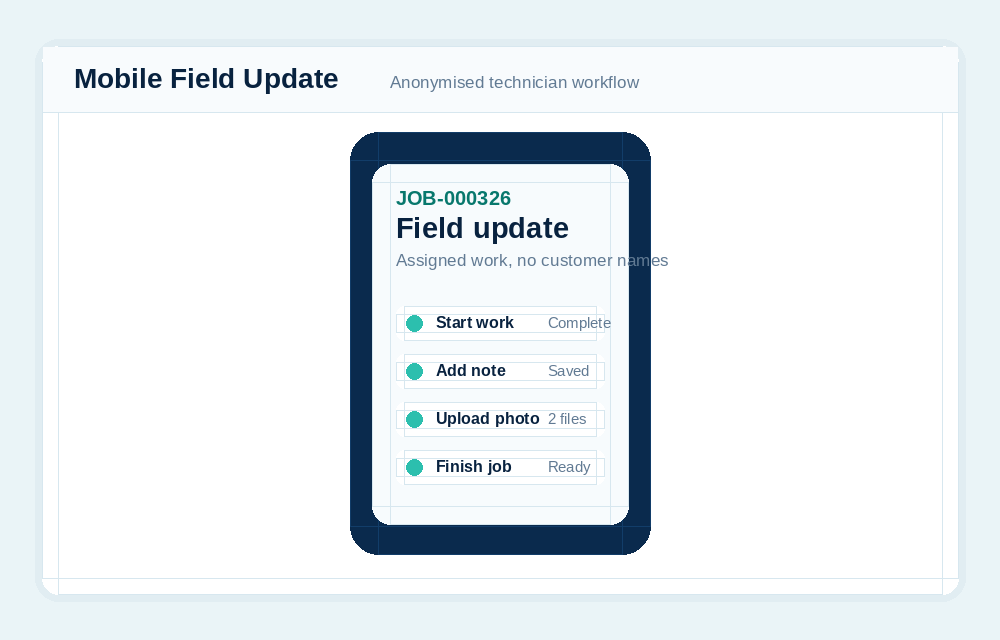
A job can be created manually, drafted from email or AI-assisted intake, submitted by a customer, scheduled to a technician, completed in the field, and reviewed for billing.
The admin team needs visibility across customers, schedules and billing. Field users need a simple way to see assigned work, upload evidence and complete jobs from a phone.
SharpFleet keeps those views connected without exposing internal costing or accounting controls to users who do not need them.
Many service businesses do not separate vehicle movement from job work. A technician drives to a site, completes the job, records photos, and the business later needs to understand travel, time, cost and billing.
SharpFleet Job Management can stand alone, but it becomes especially useful when it is used beside Fleet for teams where vehicles, technicians and job records belong together.
SharpFleet does not force every business into a print-specific or trade-specific workflow. Reusable templates can define general, remote, field service, workshop, or production tasks, including required details, approvals, internal assignments, subcontractor work orders, evidence, customer updates, billing review, and completion.
Explore production job workflows, proofs, and subcontractor work orders.
Yes. Job Management can be used as its own product for job management, quotes, scheduling, customer portal and billing review. Fleet can be enabled separately when vehicle records are also needed.
Yes. Field users can work with assigned jobs from the mobile/PWA experience, including job details, updates, photos, documents and completion notes where enabled.
SharpFleet Job Management can be used by teams that only need job management, quotes and customer portal workflows. It can also connect naturally with Fleet when vehicles, travel, technicians, deliveries or equipment are part of the work.
Start with Fleet, Jobs, or both. The important part is keeping the operational record clear enough that the team can quote, schedule, complete, bill and report without stitching together disconnected systems.
SharpFleet Assistant